

1
Launch the Board manager
Launch the Board manager by clicking on the Board manager icon in the configuration menu.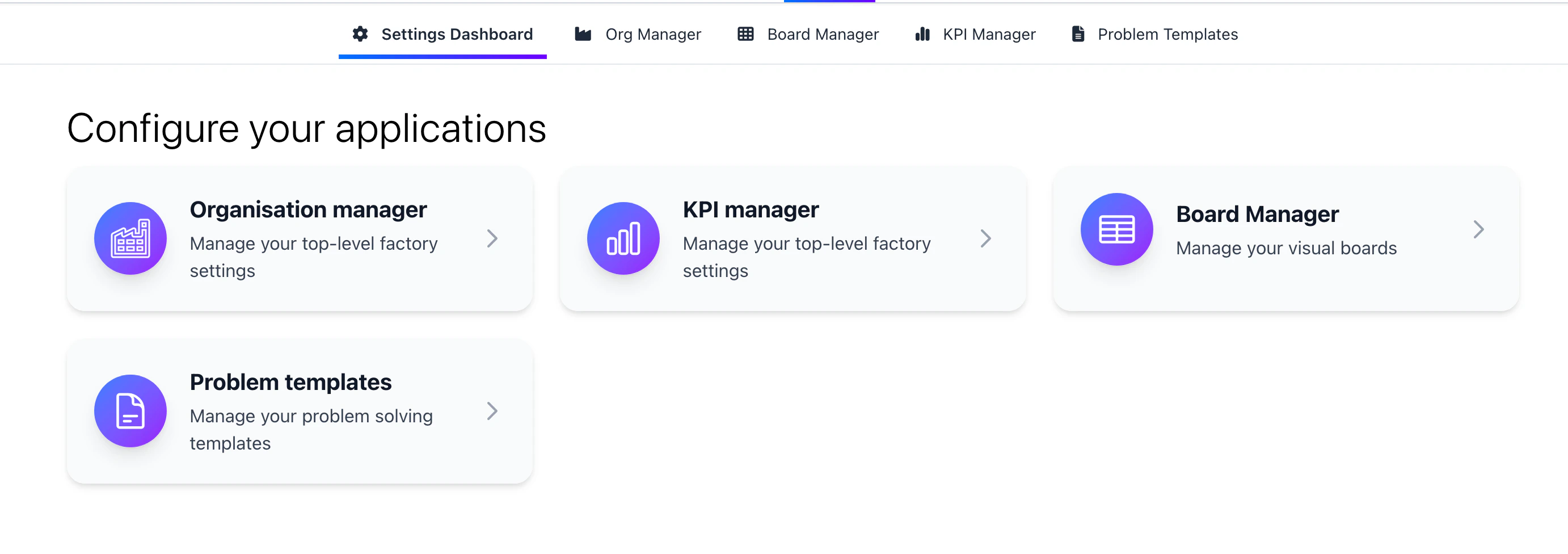
2
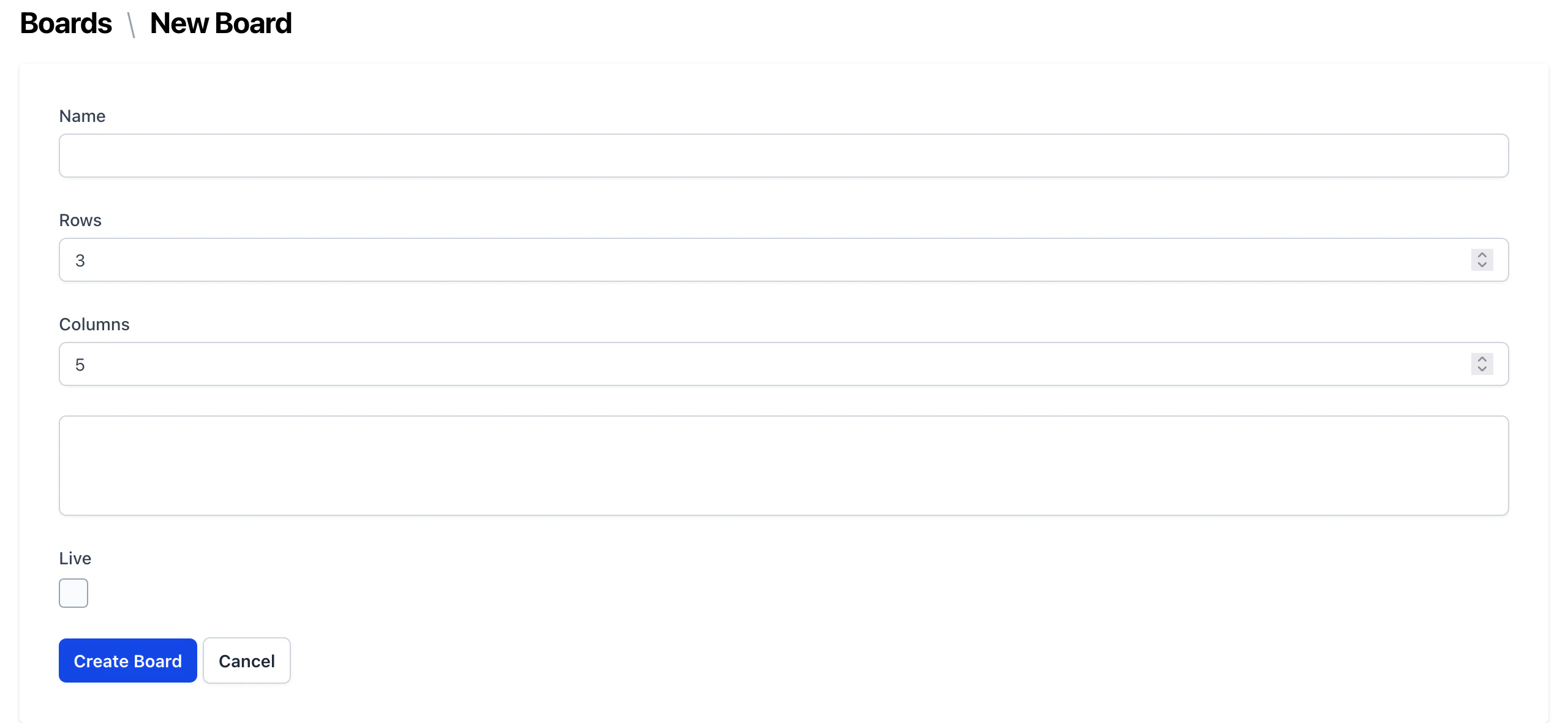
Create a new board template
Ensure you have setup your Org structure before creating a board template.
3
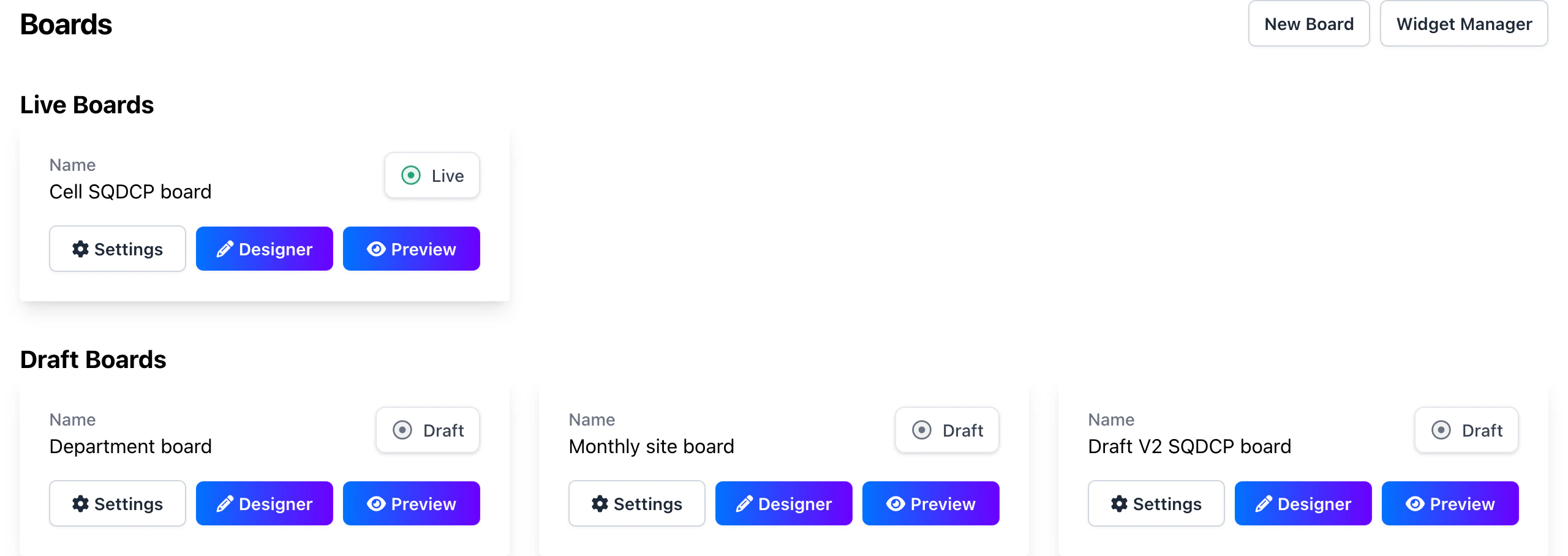
Manage your board template
- Once you’ve created a board template, you can change the name, size and orgs the board applies to using the settings button.
- You can preview the board template by clicking on the “Preview” button.
- You can edit the board template by clicking on the “Designer” button.
4
Board Designer
The board designer is where you can add elements to the board.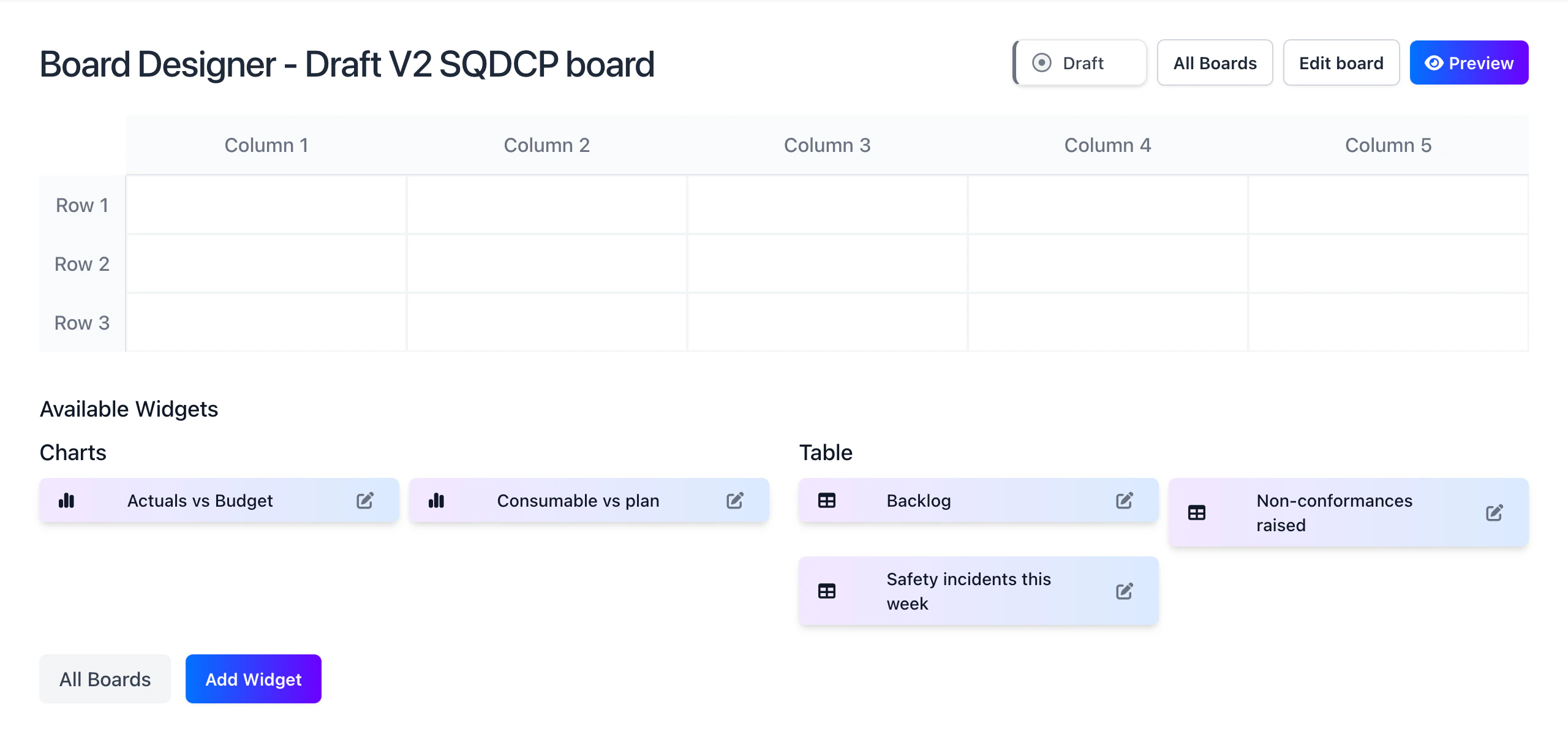
5
Create a Widget
Widgets are the individual elements that make up the board. Click on the Add Widget button to add a new widget. You can make titles, tables and charts.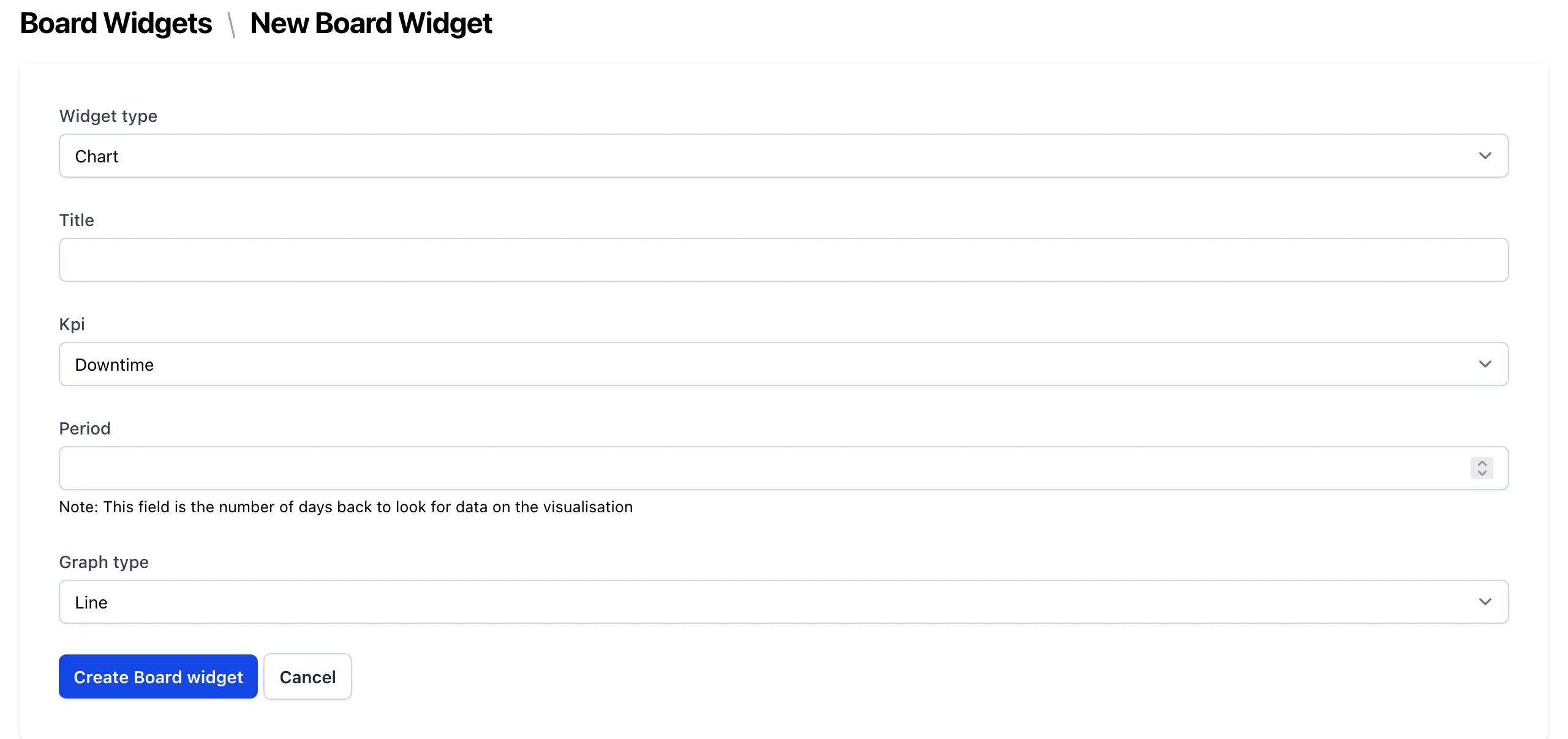
If you select chart or table, you need to define the period of the data you want to display on your board. This will take account of the frequency you defined for the KPI, for example if the KPI is weekly and you do 4 periods, the chart will display the last 4 weeks of data.
6
Drag and drop your widgets
Once you’ve created your widgets, you can drag and drop them onto the board and reorder them as you like.