

1
Launch the KPI manager
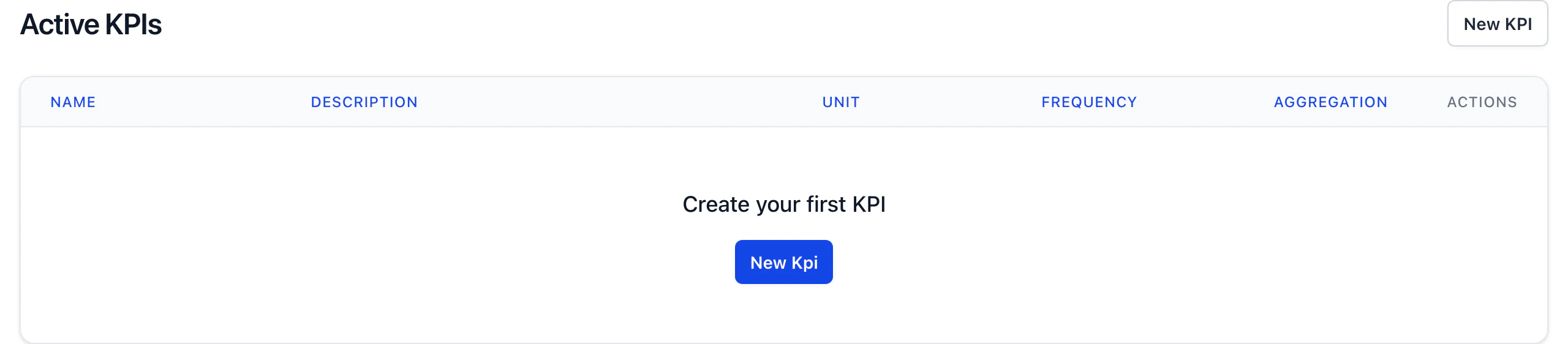
Launch the KPI manager by clicking on the KPI manager icon in the configuration menu.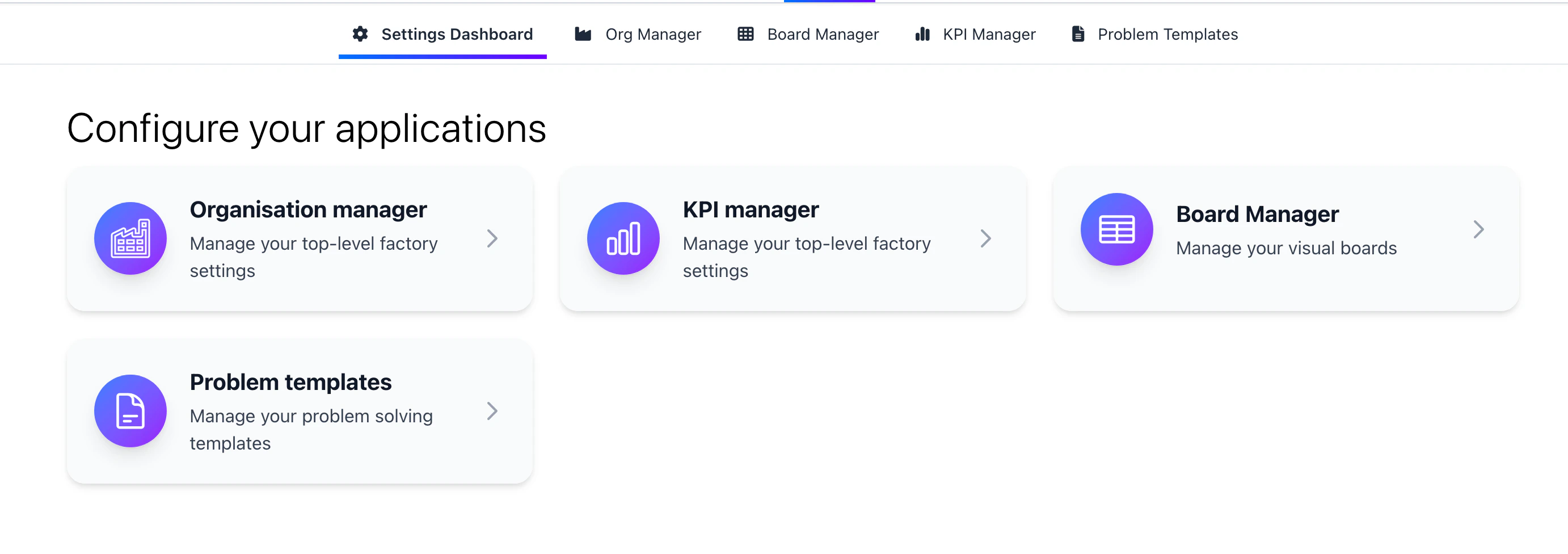
2
Create a KPI
Create a KPI to start tracking your data. Ensure you’ve set the direction of the KPI to either “up” or “down” to indicate if a higher or lower value is better. The frequency the data should be inputted and at what level the data should be inputted. For example, you might collect output shiftly at a cell level, first time pass rate daily at a department level or absence monthly at a factory level.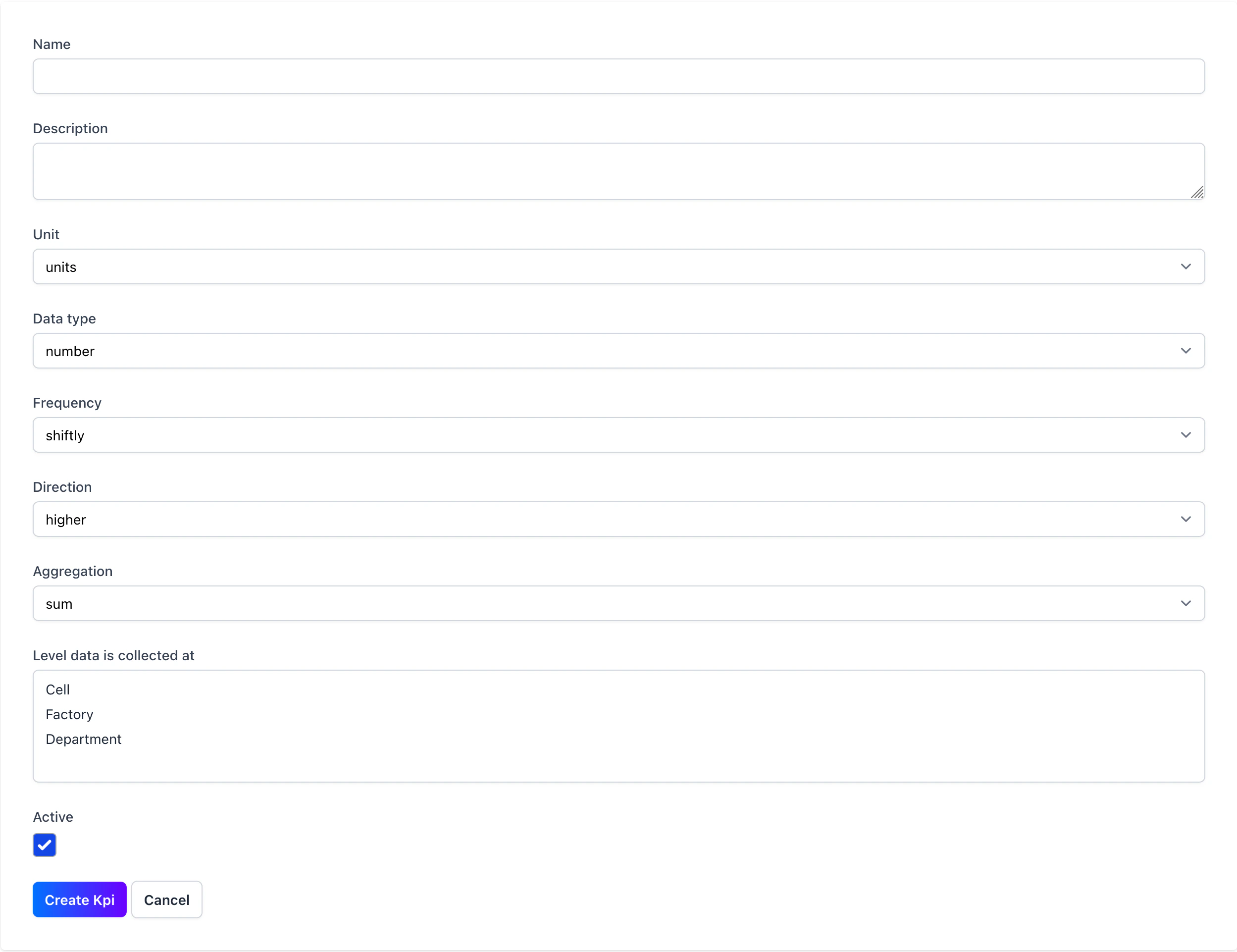
3
Edit a KPI
Once created you can edit the KPI by clicking on the edit icon in the KPI manager.
You can’t completely delete a KPI, clicking the delete icon will archive the KPI. Archived KPIs are hidden end users but are visible at the bottom of the KPI manager.