> ## Documentation Index
> Fetch the complete documentation index at: https://docs.factorypulse.app/llms.txt
> Use this file to discover all available pages before exploring further.
# Managing KPI's
> Learn how to create and manage your KPI's
Only account admins can manage the KPI's for the account.
KPI's are the building blocks of your VM board. They are the metrics that you want to track and visualise.
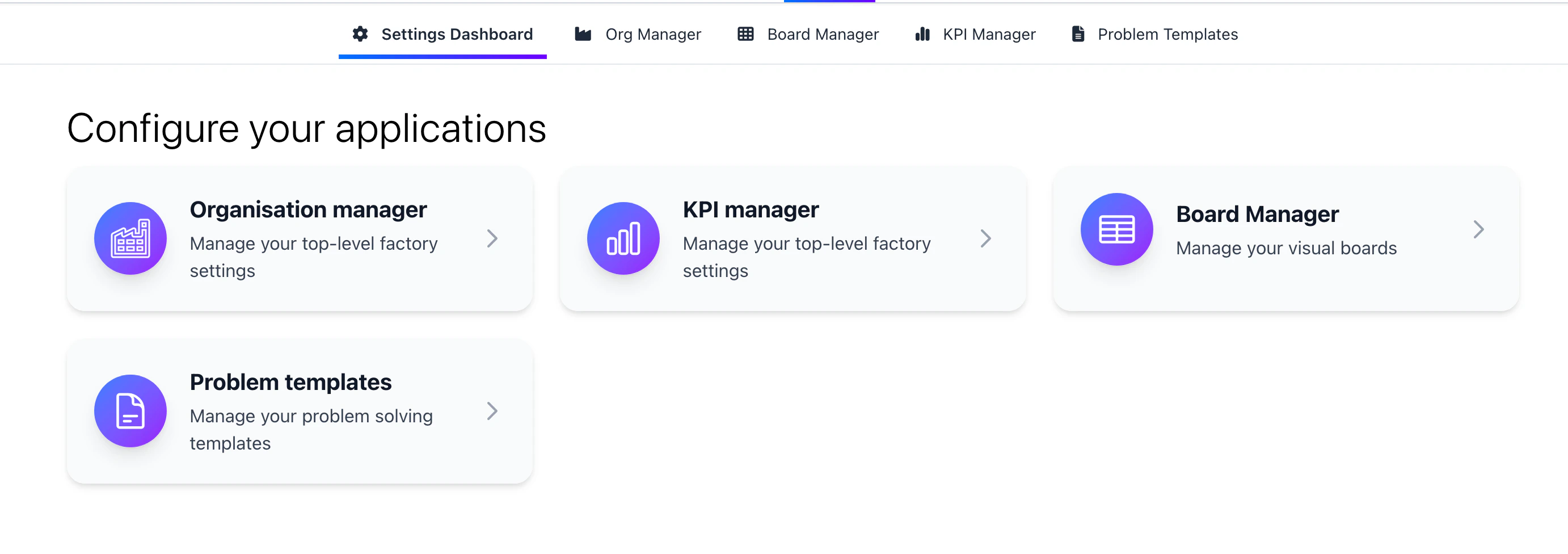
Launch the KPI manager by clicking on the KPI manager icon in the configuration menu.
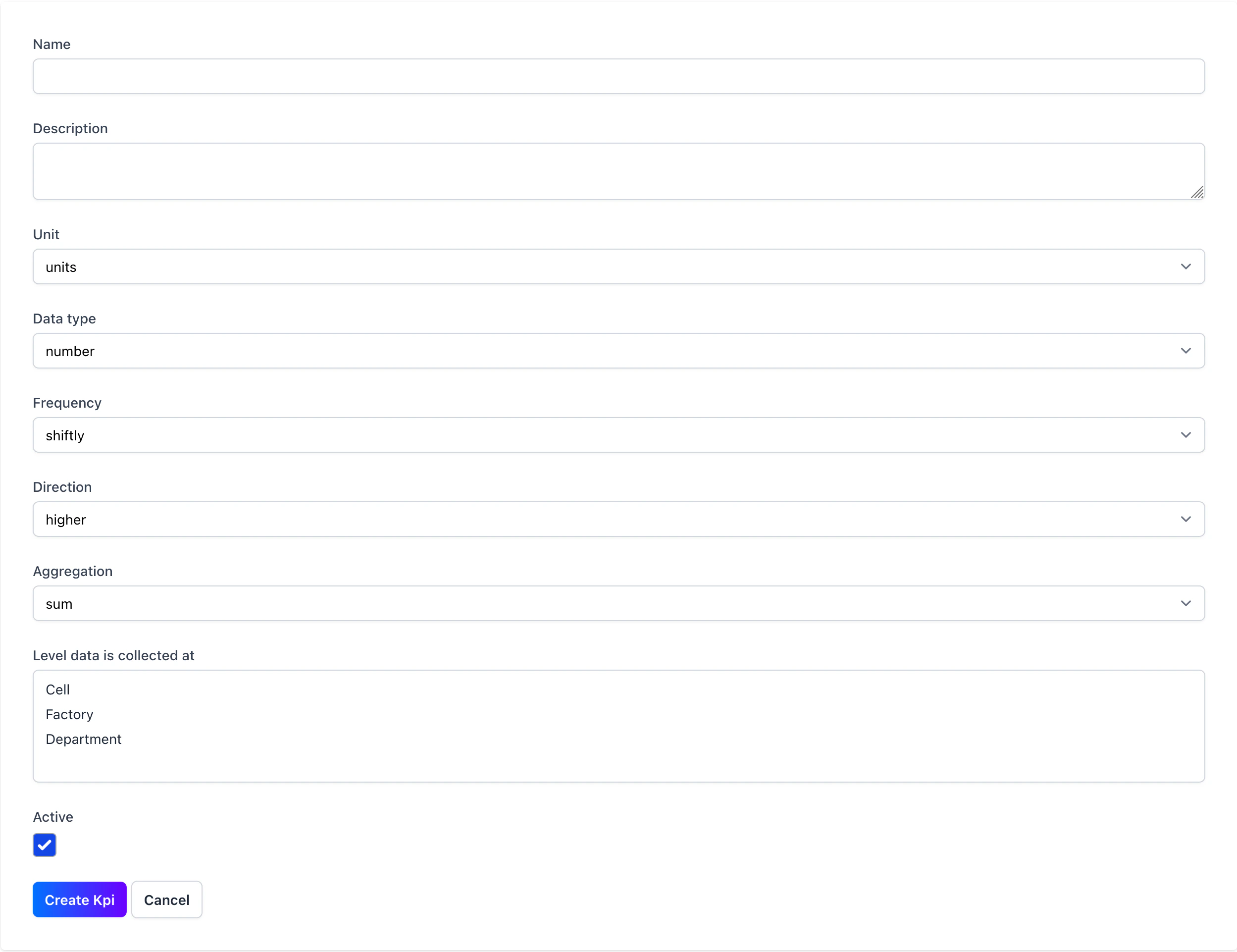
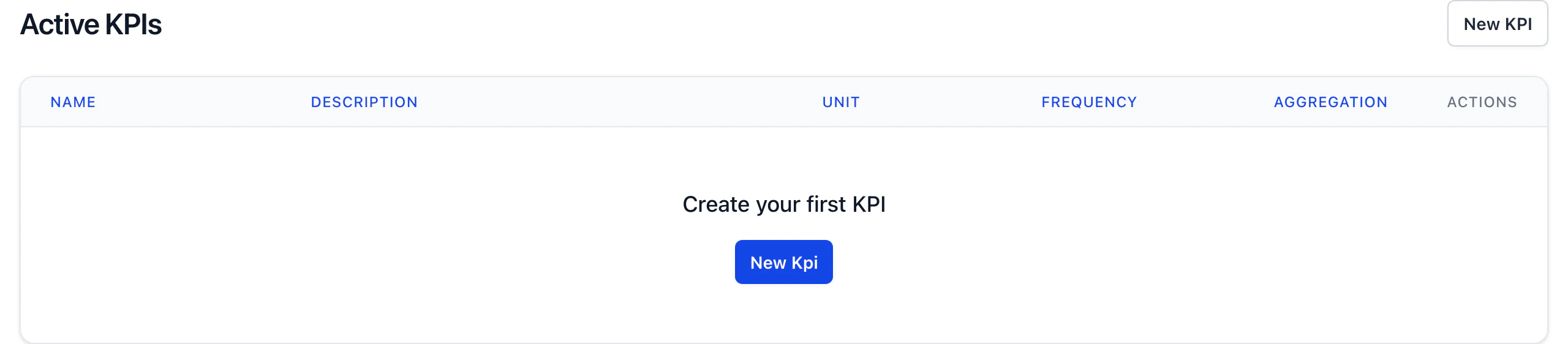 Create a KPI to start tracking your data. Ensure you've set the direction of the KPI to either "up" or "down" to indicate if a higher or lower value is better. The frequency the data should be inputted and at what level the data should be inputted. For example, you might collect output shiftly at a cell level, first time pass rate daily at a department level or absence monthly at a factory level.
 Once created you can edit the KPI by clicking on the edit icon in the KPI manager.
You can't completely delete a KPI, clicking the delete icon will archive the KPI. Archived KPIs are hidden end users but are visible at the bottom of the KPI manager.
Once created you can edit the KPI by clicking on the edit icon in the KPI manager.
You can't completely delete a KPI, clicking the delete icon will archive the KPI. Archived KPIs are hidden end users but are visible at the bottom of the KPI manager.