> ## Documentation Index
> Fetch the complete documentation index at: https://docs.factorypulse.app/llms.txt
> Use this file to discover all available pages before exploring further.
# Templates
> Learn how to create and manage problem solving templates
Only account admins can manage the problem solving templates for the account.
Users on the pilot plan or free trial can only have one template at a time. Please upgrade your plan to create more than one template.
## Overview
From the settings page you can manage the problem solving templates for the account. Here you can see all of the templates, create new ones, edit existing ones and delete them.
 ## Creating and editing a template
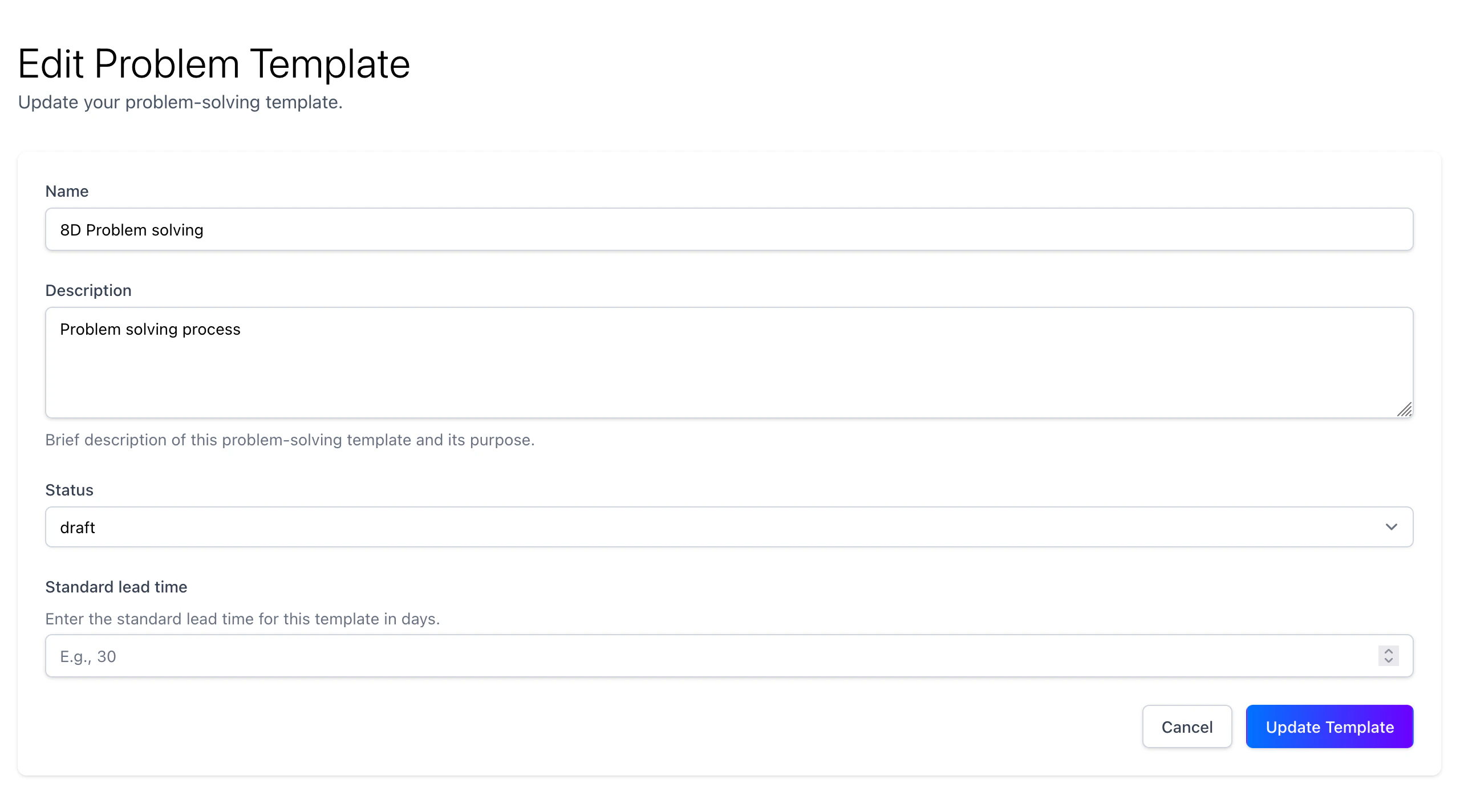
To create a new template, click on the "New Template" button. This will open a page where you can enter the template details.
From this page you can add sections and fields to the template as well as arranging them in the order you want.
## Creating and editing a template
To create a new template, click on the "New Template" button. This will open a page where you can enter the template details.
From this page you can add sections and fields to the template as well as arranging them in the order you want.
 When you are ready to use the template, ensure you set the status to active by pressing the edit template button and selecting the required option.