> ## Documentation Index
> Fetch the complete documentation index at: https://docs.factorypulse.app/llms.txt
> Use this file to discover all available pages before exploring further.
# Navigation
> One of our core goals at FactoryPulse is to make using our tools as easy as possible. This page will give you a quick overview of the different ways to navigate the app.
## 3 Ways to Navigate the App
## Universal Search
One of our favourite ways of navigating the app is the universal search bar. You can use it to search for anything in the app.
Access the search bay by either clicking the search icon in the top left, or pressing `Ctrl + K` / `Cmd + K` on your keyboard.
 This search bar offers both a conventional search, as well as an AI powered Copilot.
### Search
Conventional search allows you to search across all of the app's content and pages as well as our documentation.
This search bar offers both a conventional search, as well as an AI powered Copilot.
### Search
Conventional search allows you to search across all of the app's content and pages as well as our documentation.
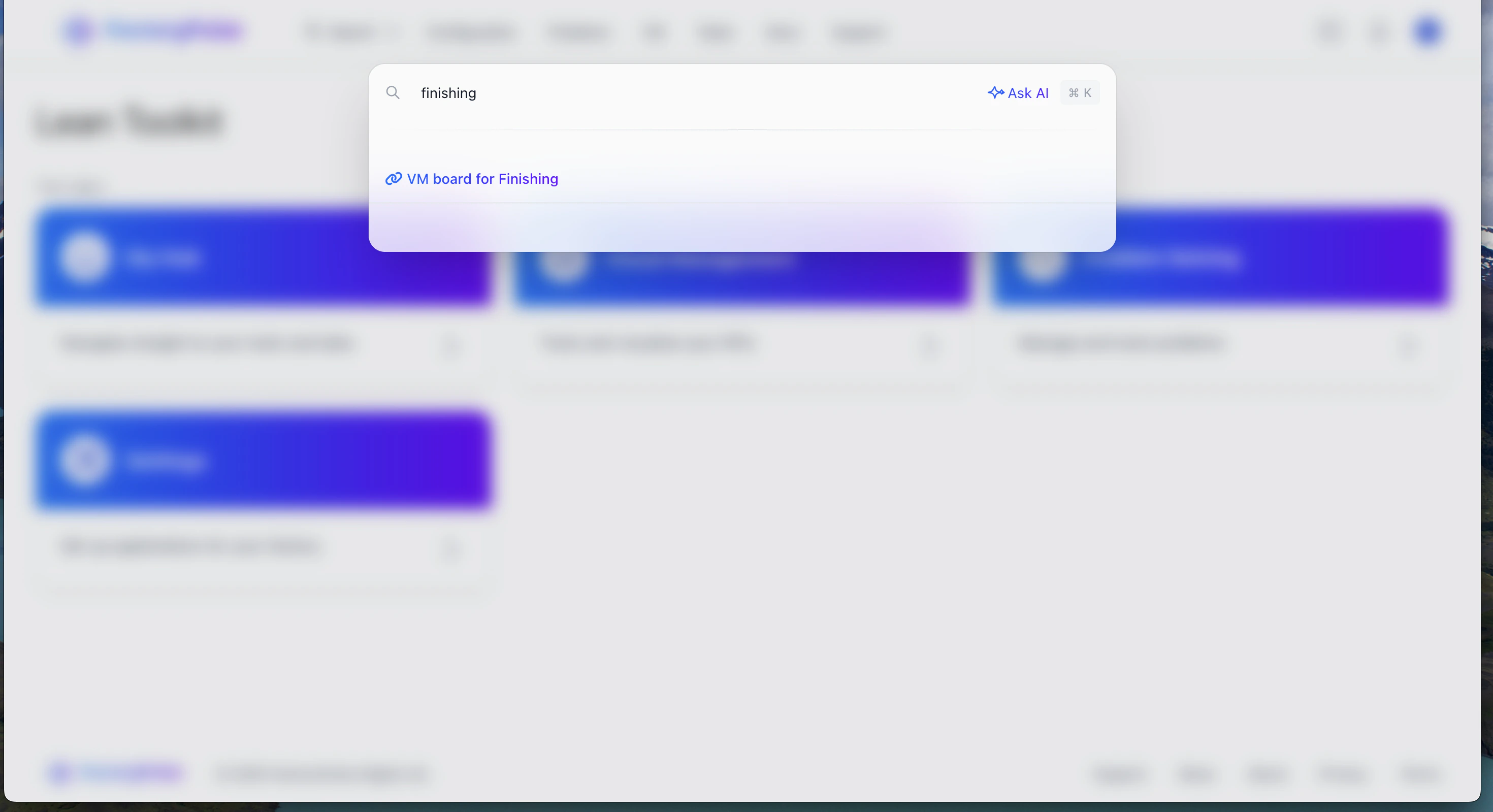 Examples of searches you can try:
* "VM board for production"
* "Problems involving Turbine blades"
* "Billing management"
This search will return results in real time and will help you find your way around the app with ease.
### AI Copilot
Copilot is our AI powered search assistant. It allows you to answers from anywhere in the app using natural language.
Examples of searches you can try:
* "VM board for production"
* "Problems involving Turbine blades"
* "Billing management"
This search will return results in real time and will help you find your way around the app with ease.
### AI Copilot
Copilot is our AI powered search assistant. It allows you to answers from anywhere in the app using natural language.
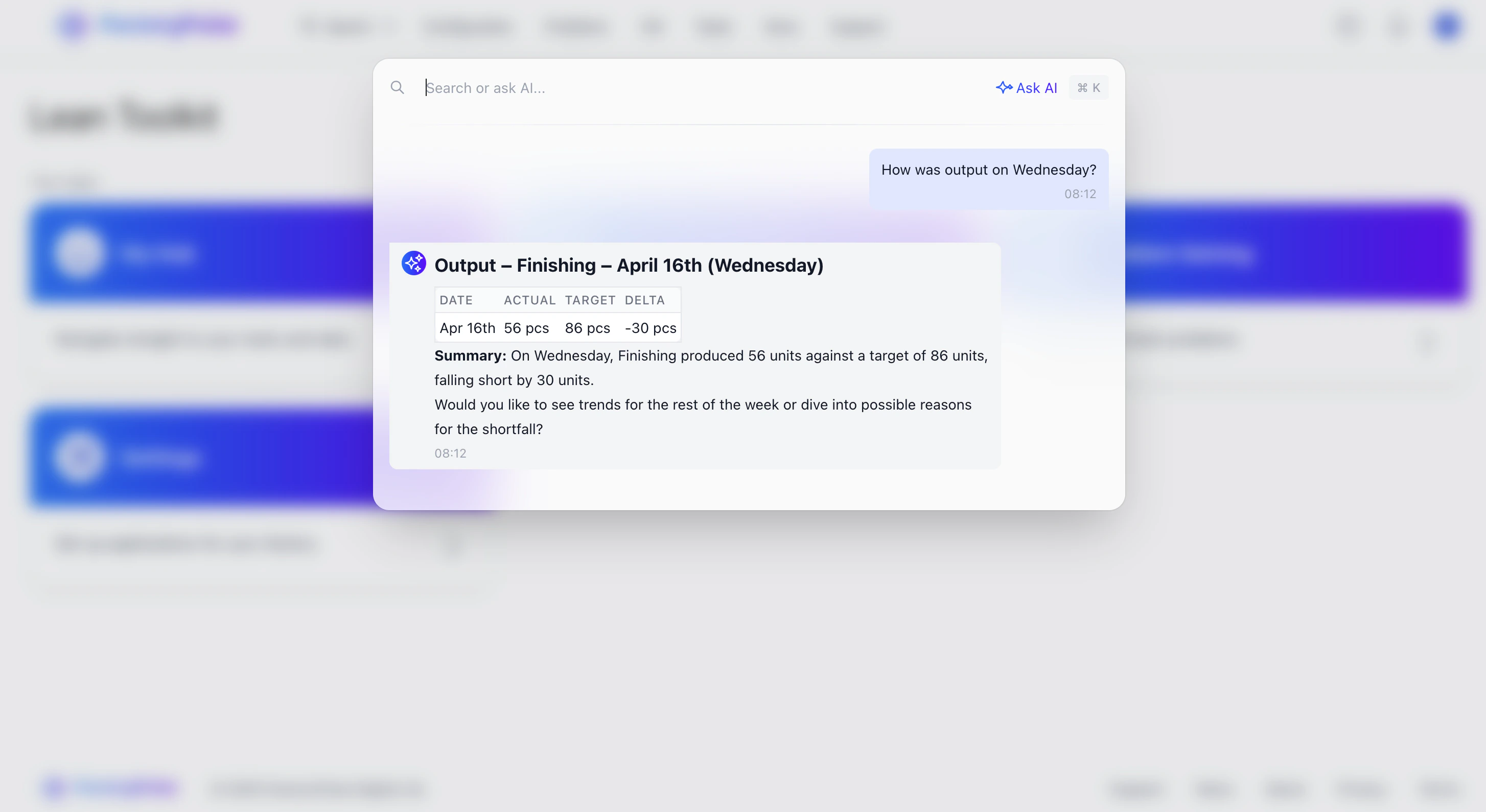 Examples of searches you can try:
* "What was output last week?"
* "Summarise this problem for me"
* "How many actions did we take last month?"
* "How do I invite a new user?"
* "What do I change the layout of my VM board?"
Examples of searches you can try:
* "What was output last week?"
* "Summarise this problem for me"
* "How many actions did we take last month?"
* "How do I invite a new user?"
* "What do I change the layout of my VM board?"
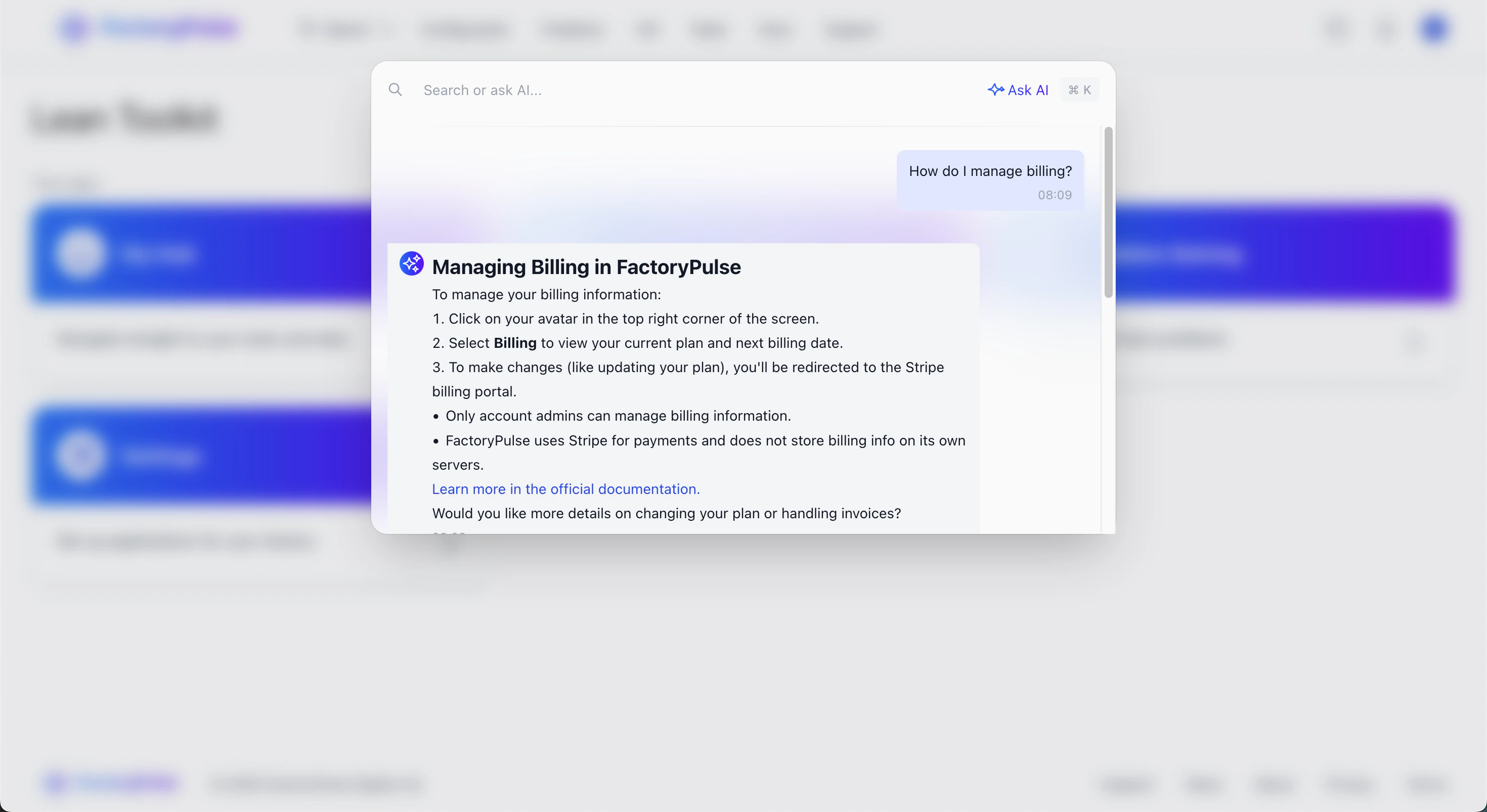 As we continue to improve the Copilot, we'll be adding more and more features to it to help you find insights and answers to your questions.
If you have any feedback on how we can improve it, please let us know via our [customer support](https://factorypulse.app/contact).
## My Hub
You can navigate to your hub by clicking the `My Hub` button on the home page.
As we continue to improve the Copilot, we'll be adding more and more features to it to help you find insights and answers to your questions.
If you have any feedback on how we can improve it, please let us know via our [customer support](https://factorypulse.app/contact).
## My Hub
You can navigate to your hub by clicking the `My Hub` button on the home page.
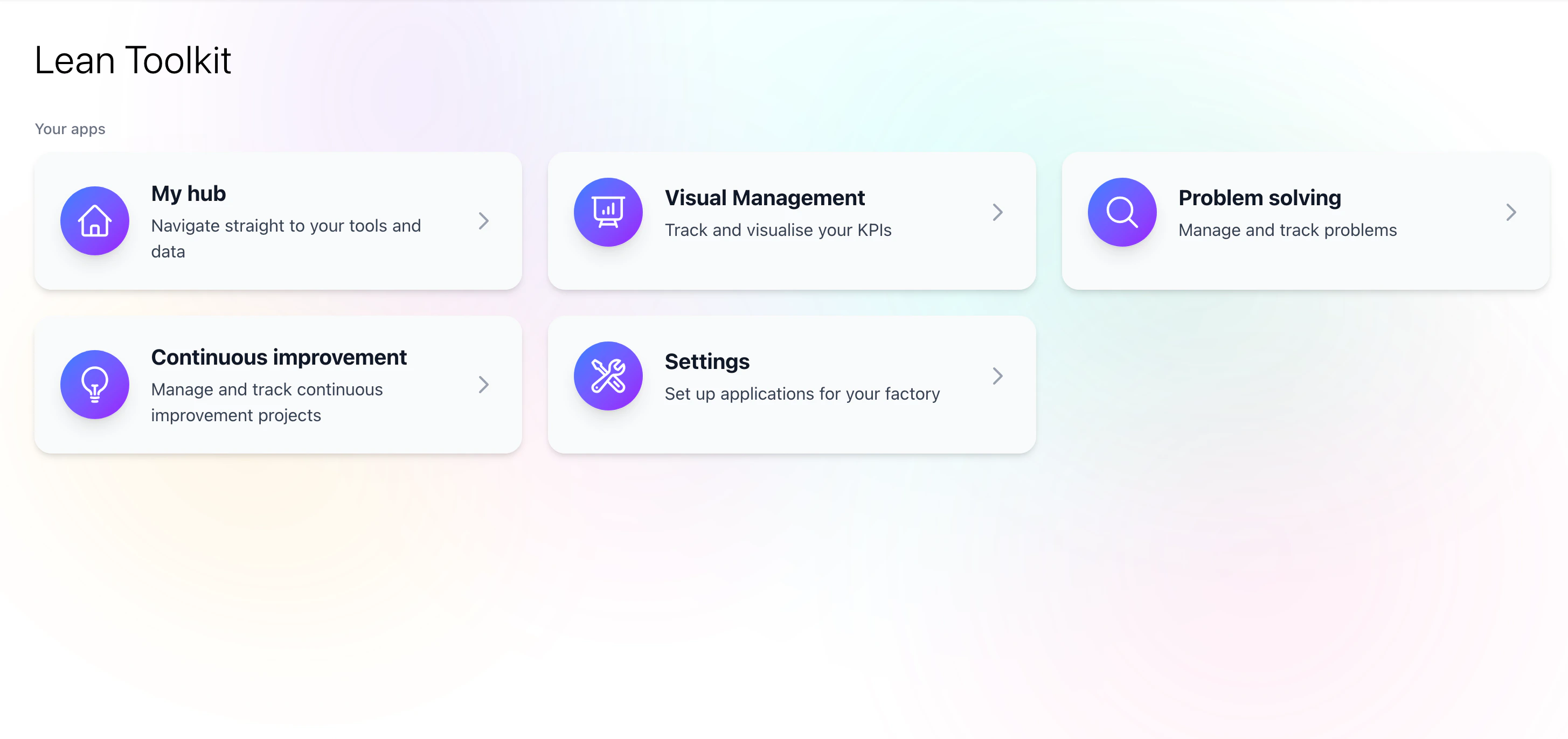 From here you can access a series of quick links which take you straight into your home organisation pages. To set a home organisation visit [user preferences](https://lean.factorypulse.app/users/preferences/edit)
## Conventional Navigation
In addition to the universal search bar, you can also navigate to the different pages and sections of the app using the conventional navigation bar and the tiles from the home page.
From here you can access a series of quick links which take you straight into your home organisation pages. To set a home organisation visit [user preferences](https://lean.factorypulse.app/users/preferences/edit)
## Conventional Navigation
In addition to the universal search bar, you can also navigate to the different pages and sections of the app using the conventional navigation bar and the tiles from the home page.